CNC Router Accs.
-
Save $30.00


Twotrees CNC Vacuum Cleaner Monster (M1) Kit
Regular price $99.00Regular price$129.00-$30.00 Sale price $99.00 -
Save $63.00
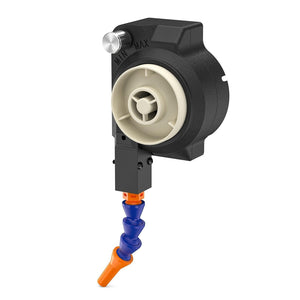
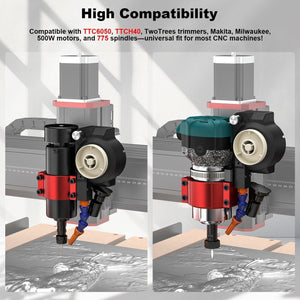
Twotrees 500W Air-Cooled Cooling Kit for CNC Routers
Regular price $96.00Regular price$159.00-$63.00 Sale price $96.00 -
Save $30.00
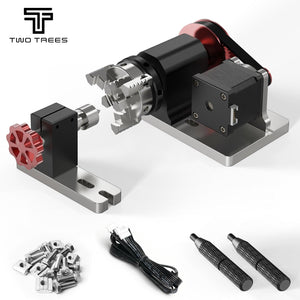
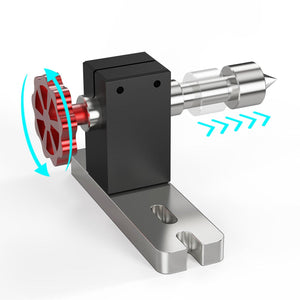
Twotrees 4th Axis CNC Rotary Module Kit for TTC450/TTC 450 PRO/TTC450 Ultra/TTC6050
Regular price $129.00Regular price$159.00-$30.00 Sale price $129.00 -
Save $130.00
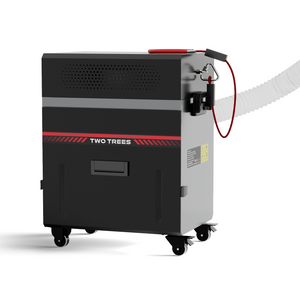

Twotrees CNC Vacuum Cleaner Monster (M2) Kit
Regular price $469.00Regular price$599.00-$130.00 Sale price $469.00 -
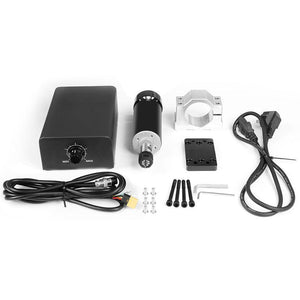
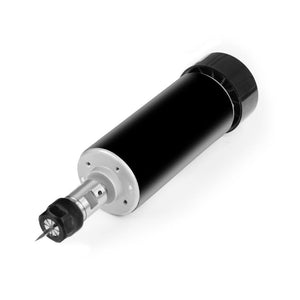
Twotrees 500w High Speed Air cooled Spindle Motor
Regular price $129.00Regular price -
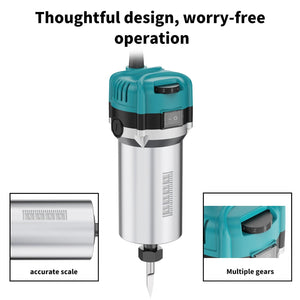

Twotrees 30000RPM Wood Router for CNC Machine
Regular price $139.00Regular price$99.00Sale price $139.00 -
Save $60.00


Twotrees 1000W Air-Cooled CNC Router Spindle Motor
Regular price $339.00Regular price$399.00-$60.00 Sale price $339.00 -
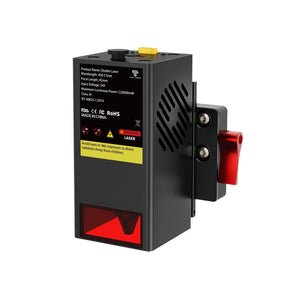
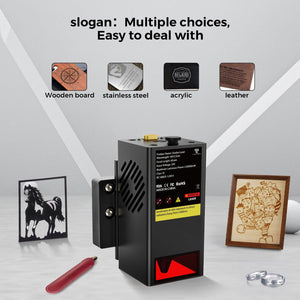
Twotrees TC20 Laser Module for CNC
Regular price $399.00Regular price -


Twotrees CNC MPG Handwheel for TTC Series
Regular price $49.00Regular price -


Twotrees CNC Router Photoelectric Z-Axis Tool Setter
Regular price $29.00Regular price -
Save $50.00


Twotrees U1 Handheld Ultrasonic Cutter
Regular price $199.99Regular price$249.99-$50.00 Sale price $199.99 -
Save $50.00


Twotrees U2 Handheld Ultrasonic Cutter
Regular price $169.99Regular price$219.99-$50.00 Sale price $169.99 -
Save $20.00
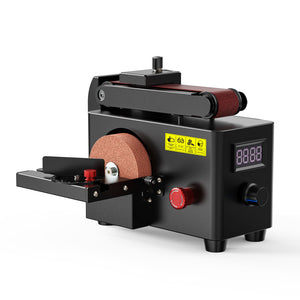
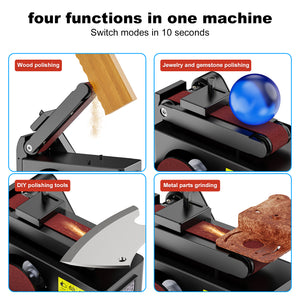
Twotrees Multi-Purpose Belt Disc Sander
Regular price $119.00Regular price$139.00-$20.00 Sale price $119.00 -
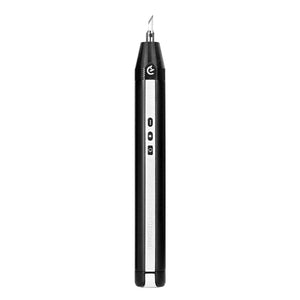

Hanboost C1 Ultrasonic Cutter for DIY Maker
Regular price $199.00Regular price -
Save $130.00
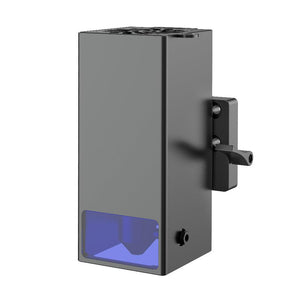
Twotrees 20W Laser Module For TTC450 CNC Router
Regular price $269.00Regular price$399.00-$130.00 Sale price $269.00 -
Save $230.00
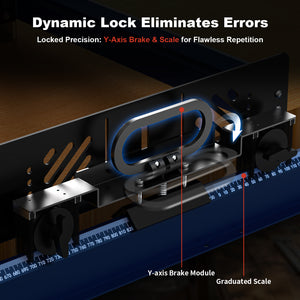 New
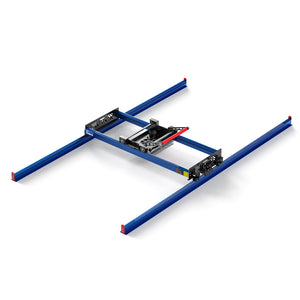
NewTwotrees RS-200 Router Sled – Precision Wood Slab Flattening System for Large Workpieces
Regular price $469.00Regular price$699.00-$230.00 Sale price $469.00


CNC ROUTER ACCESSORIES FREQUENTLY ASKED QUESTIONS
What types of CNC router accessories are in this collection?
The collection includes CNC router accessories for dust collection, spindle and cooling changes, ER11 tool holding, rotary machining, manual axis control, Z-axis calibration and model-specific laser conversion. It also includes selected workshop tools for routing and finishing workflows.
How do I find accessories that fit my TwoTrees CNC router?
Start with the complete model and revision, then check the product page for the controller port, spindle mount, voltage, plug, firmware, moving clearance and supported configuration. Owners of a TTC450 family machine can use the TTC450 accessories collection for a narrower compatibility route.
What is the difference between the M1 and M2 CNC vacuum systems?
The Monster M1 is a compact machine-level dust and chip collection option with manual or automatic operation; its listing excludes the TwoTrees 800W wood router. The Monster M2 is positioned for professional dust management. Compare machine compatibility, space, plug type and workload before choosing.
What can a fourth-axis CNC rotary module machine?
A fourth-axis CNC rotary module rotates round stock so a compatible router can work around cylindrical or multi-sided parts. The TwoTrees module is listed for TTC450, TTC450 Pro, TTC450 Ultra and TTC6050. Check workpiece diameter, usable stroke, chuck clearance and controller setup before creating the toolpath.
Can I install a 1000W spindle on any desktop CNC router?
No. A 1000W CNC spindle upgrade requires a supported mount, adequate frame and Z-axis capacity, the correct electrical system, compatible speed control and sufficient clearance. Select the machine-specific option shown on the 1000W spindle product page and confirm the complete configuration before installation.
Are TwoTrees CNC laser modules universal?
No. The TC20 module is listed for TTC450 Pro, TTC450 Ultra, TTC6050 and TTC-H40, while the separate 20W TTC450 module has its own compatibility scope. Confirm the machine model, mounting hardware, electrical connection, software workflow and laser safety setup before adding laser engraving capability.